Frequently Asked Questions
Learn how to solve common issues before calling out your Accreddited Auto Openers Dealer
If your garage door opens but will not close, the most common cause is that the PE Beam setting is turned ON without safety beams installed or correctly aligned.
When this setting is enabled, the opener will block closing as a safety precaution.
How to disable the PE Beam setting
Follow these steps using your motor control panel:
- Press and hold the DOWN button until the display shows “11”
- Release the button
- The display will now show:
- “H” = PE Beams are ON
- “11” = PE Beams are OFF
- If “H” is displayed, press the UP or DOWN button to change it back to “11”
- Press the SET button to confirm
- Exit the menu
If your garage door opener has lost power, you can still operate your door manually using the manual release cord.
This disengages the motor from the door, allowing you to open and close it by hand.
How to open your door in a blackout
For Roller Doors:
- Locate the manual release pull cord hanging from the opener
- Firmly pull the cord down until you feel the motor disengage
- Lift the door manually from the bottom using the handle or curtain
- Raise the door slowly and evenly to avoid jerking
- To re-engage, pull the cord again and operate the opener once power returns
For Panel (Sectional) Doors:
- Locate the red manual release cord attached to the trolley on the rail
- Pull the cord down to disengage the motor from the door
- Lift the door manually using the handle
- Ensure the door moves smoothly and stays balanced
- To re-engage, pull the cord toward the motor and run the opener once power returns
Important Notes:
- The door may be heavy if springs are worn or not correctly balanced
- Always lift with care and keep hands clear of moving sections
- If the door is difficult to move, do not force it and contact a professional
We also have a battery backup kit that would allow you to open and the close the door via your remote, when the power is out.
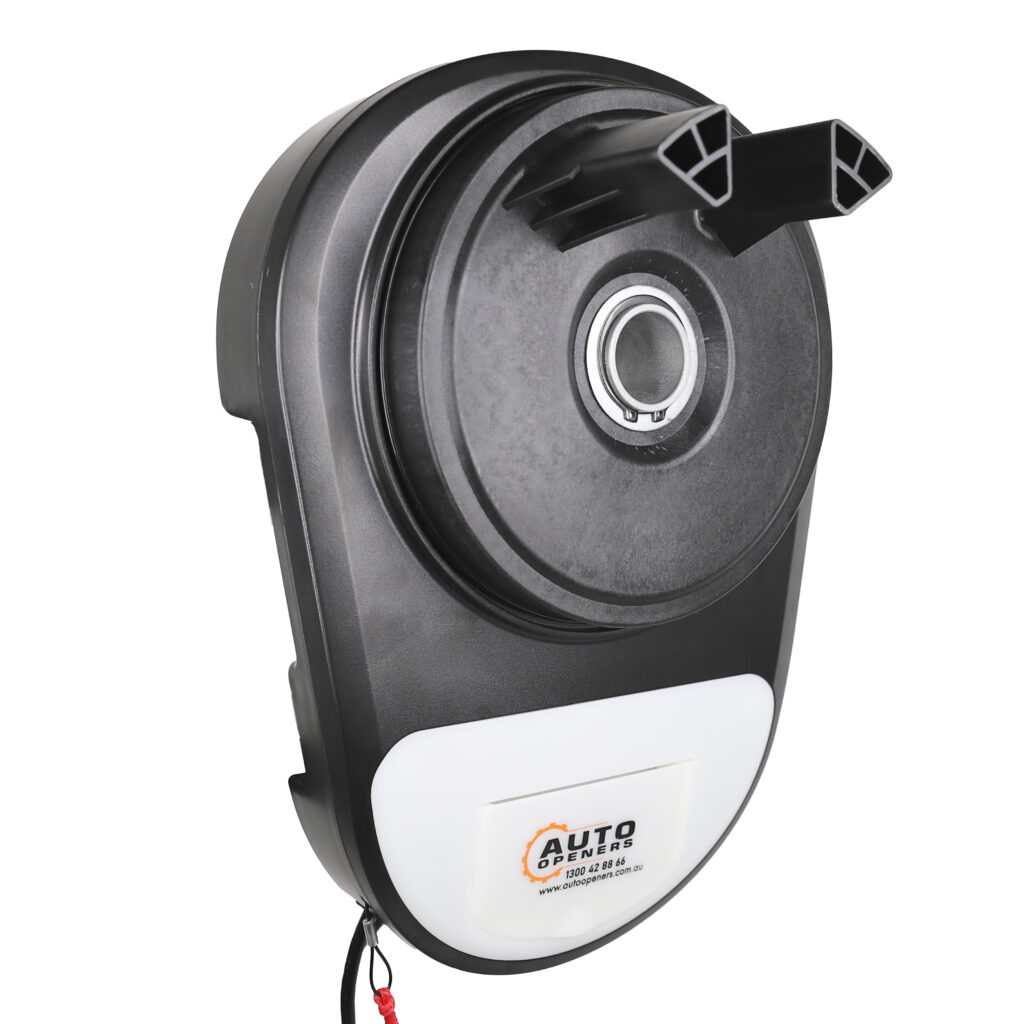
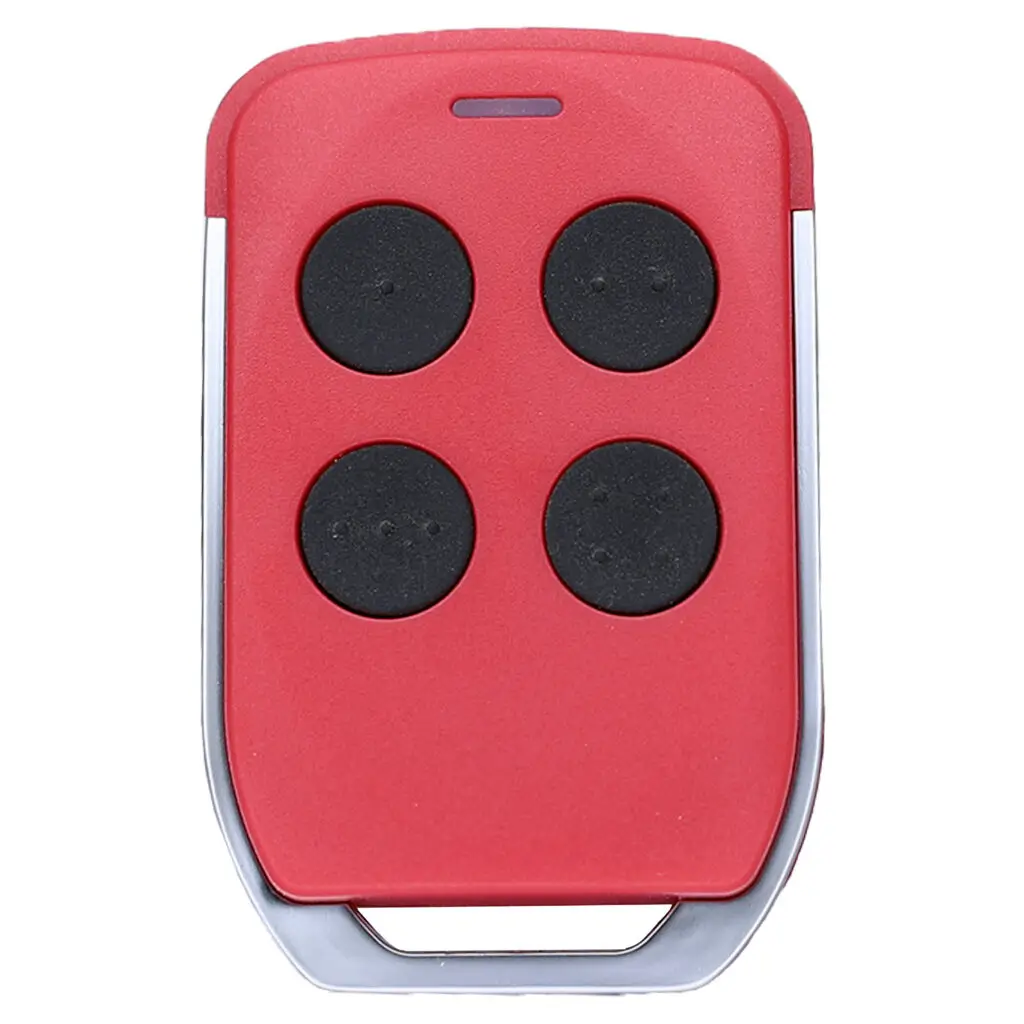
Programming is done directly at the motor using the control panel.
How to program a remote
Follow these steps using your motor control panel:
- Press and hold the CODE button until the Coding LED turns on, then release
- Press and hold a button on your remote for 2 seconds, then release
- Press and hold the same button on the remote again until the motor beeps and the Coding LED flashes
- This confirms the remote has been successfully programmed
- Test the remote to ensure it is operating the door correctly
Important Notes:
- Do not hold the CODE button down the entire time, this will clear all remotes programmed into the opener
If your garage door is opening or closing by itself, the most common cause is that the Auto Close feature is turned ON.
This setting automatically closes the door after a set period of time, which can make it seem like the door is operating on its own.
How to turn off or adjust Auto Close
Follow these steps using your motor control panel:
- Press and hold the UP button until the '-' setting appears on the display
- Release the button
- Use the UP or DOWN buttons to adjust the time setting. 0 turns the Auto Close off. Settings 1-9 represent 1 to 9 minute increments.
- Set the value to “0” to turn Auto Close OFF
- Press the SET button to confirm
- Exit the menu
Important Notes:
- Auto Close requires safety beams to be installed and working correctly
- If beams are not installed, the door may behave unexpectedly
- If the issue continues, check for stuck remotes or interference from nearby devices
Garage Door Opener Manuals
Installation manuals for Auto Openers garage door openers.
AOv2 Switching Instructions
Some of the Auto Openers remote controls can transmit more than one encryptions. See our guide on how to swap the remotes between different encryptions.